Fusion360 Car Modeling Tutorial Vol.13 Make the front Bumper02
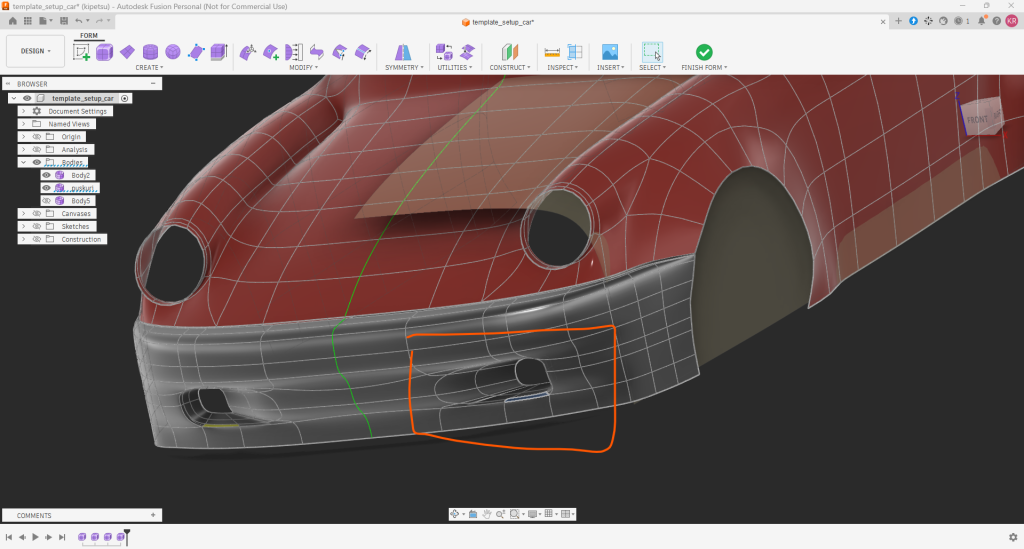
front bumper needs some air intakes
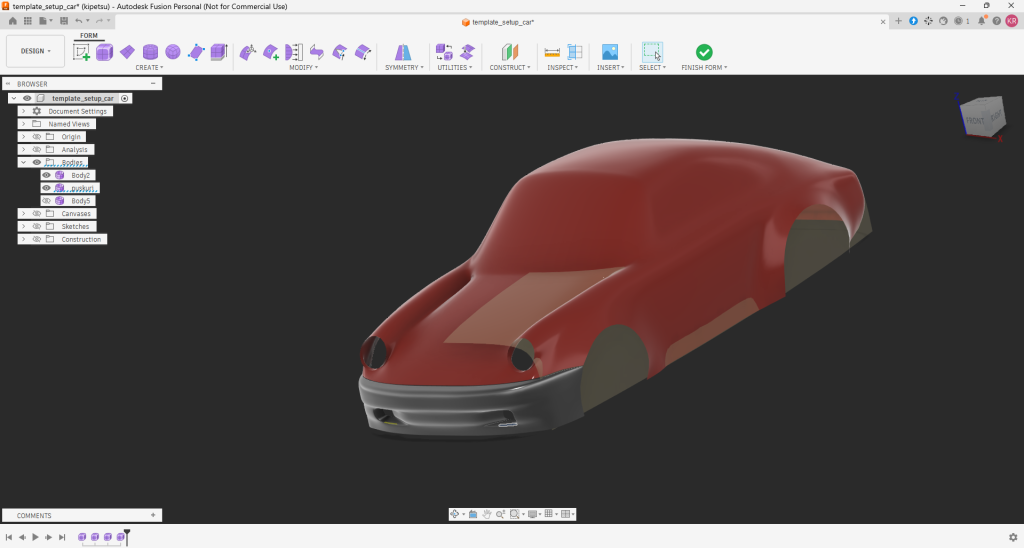
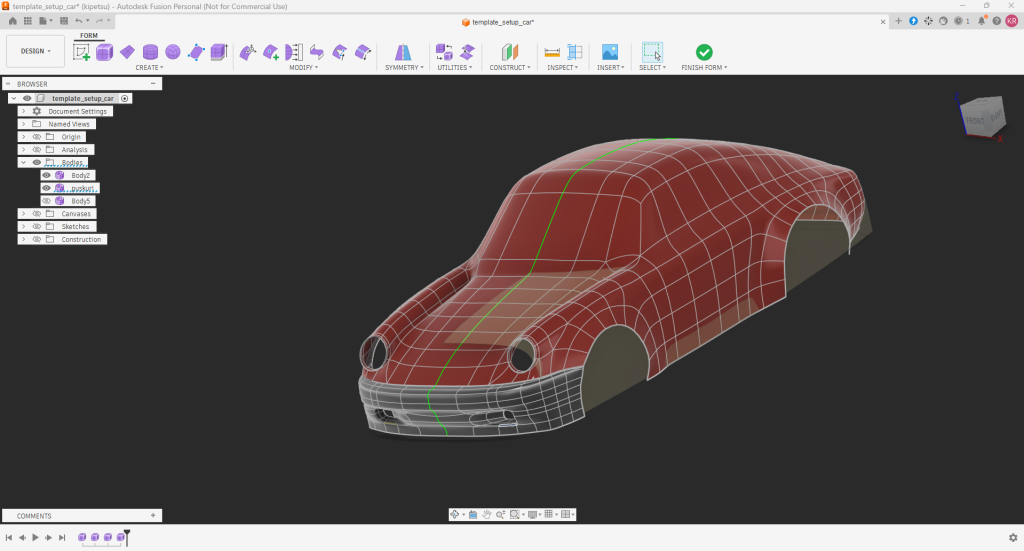
Looks good enough. Next middle section of bumper.
Comments are closed.
front bumper needs some air intakes
Looks good enough. Next middle section of bumper.
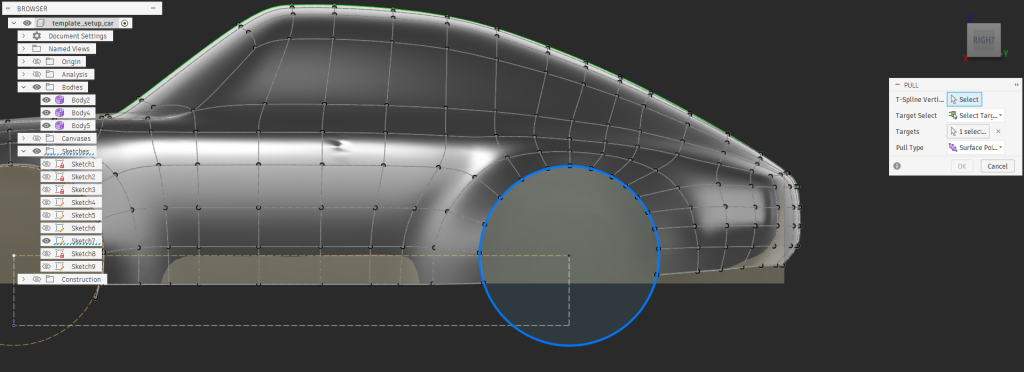
Using Pull tool to make perfect round for wheel arc
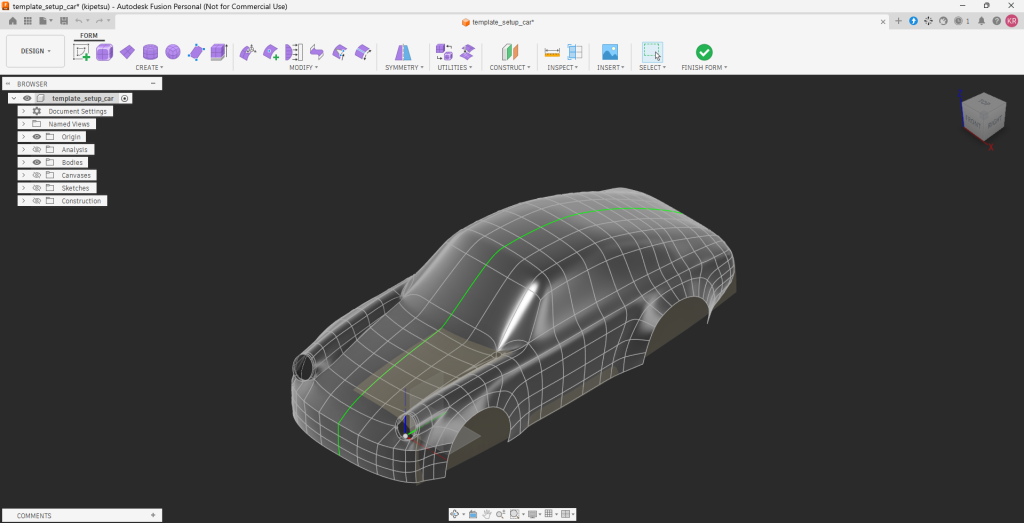
Progress so far. I modeled hood, front and lamp socket. Still no bumpers. Wheel openings are bit this and that not matched in precise circle.
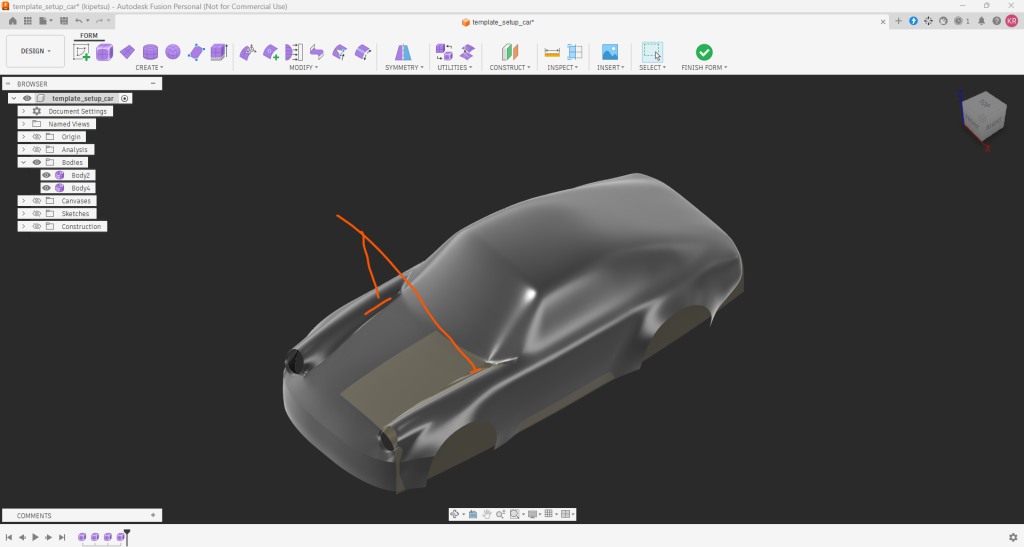
Problem areas on hood
There are some sharp corners still… This may be the trickies part to model in hood.
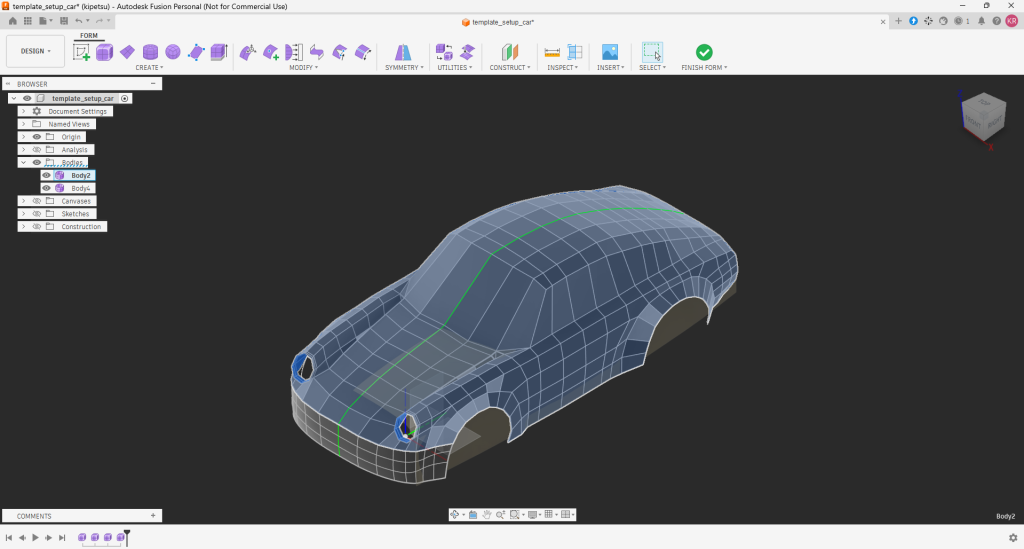
Box model
Front part is now separated from the body for front bumper modeling.
Back view
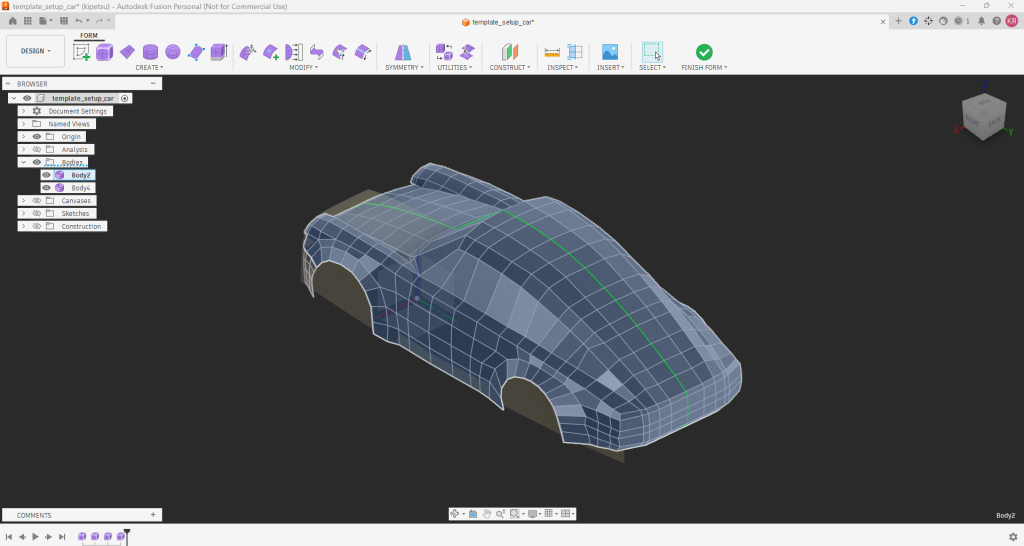
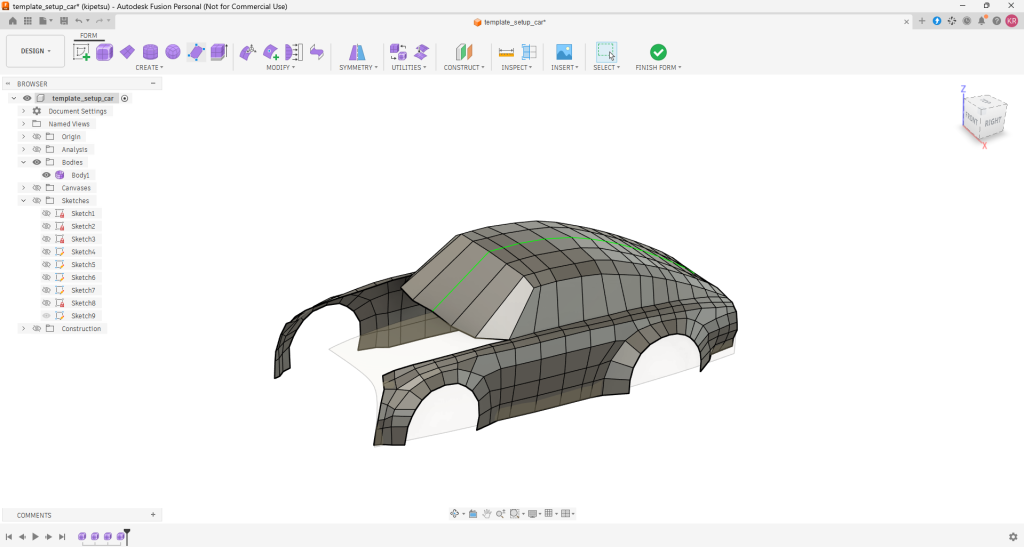
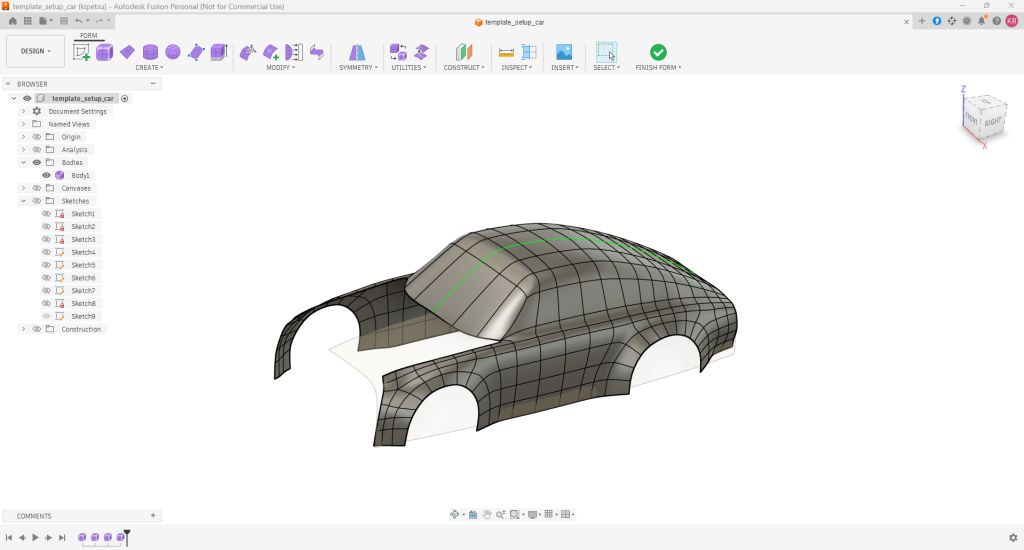
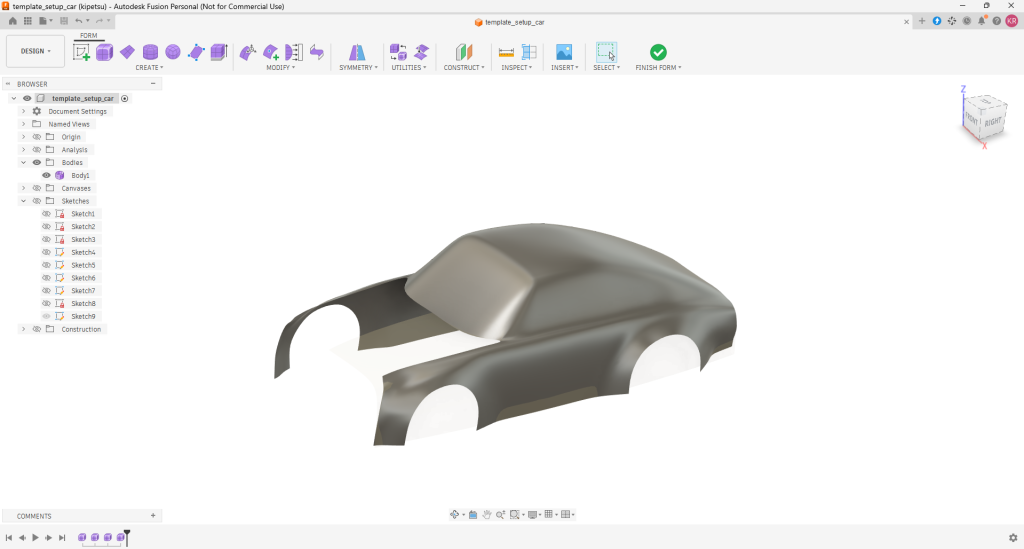
slowly getting the shape
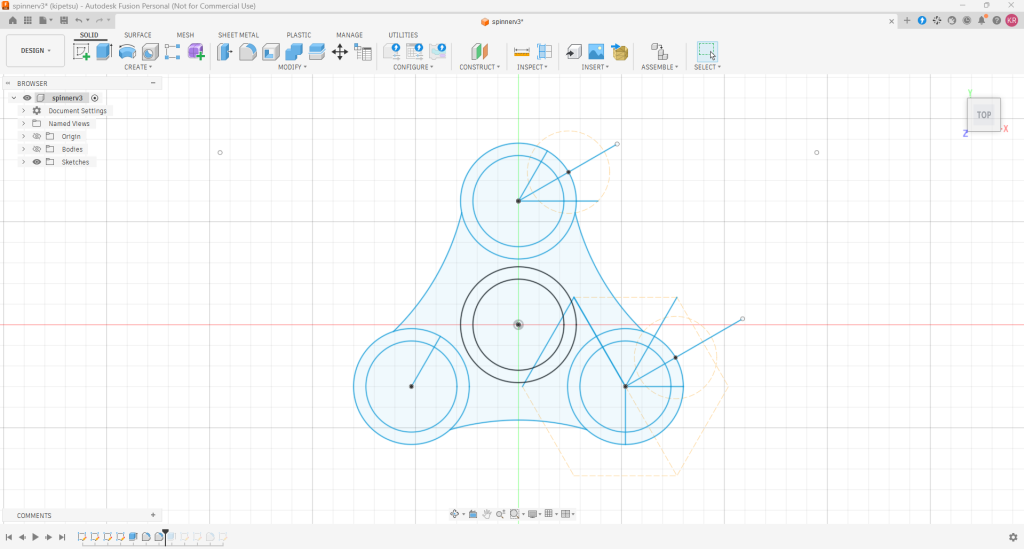
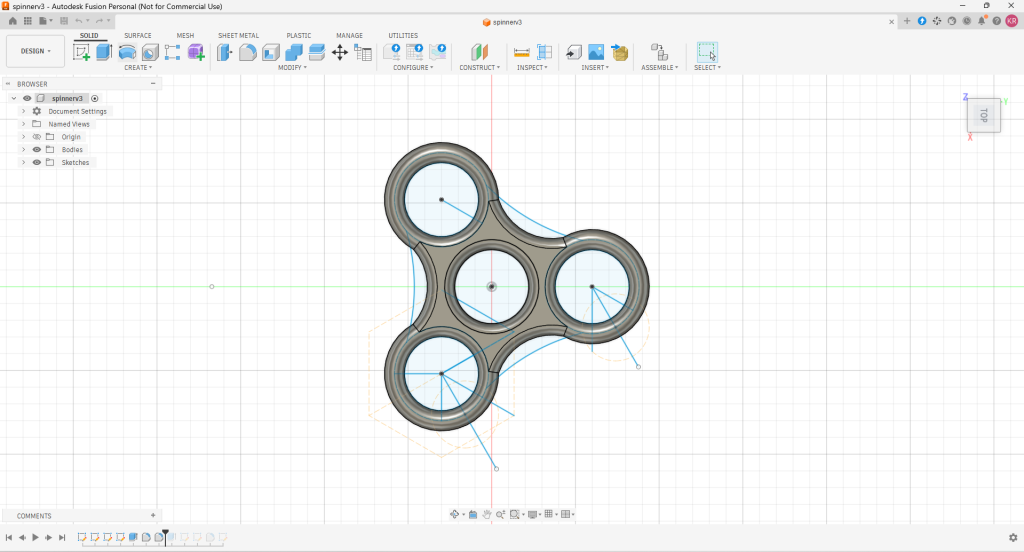
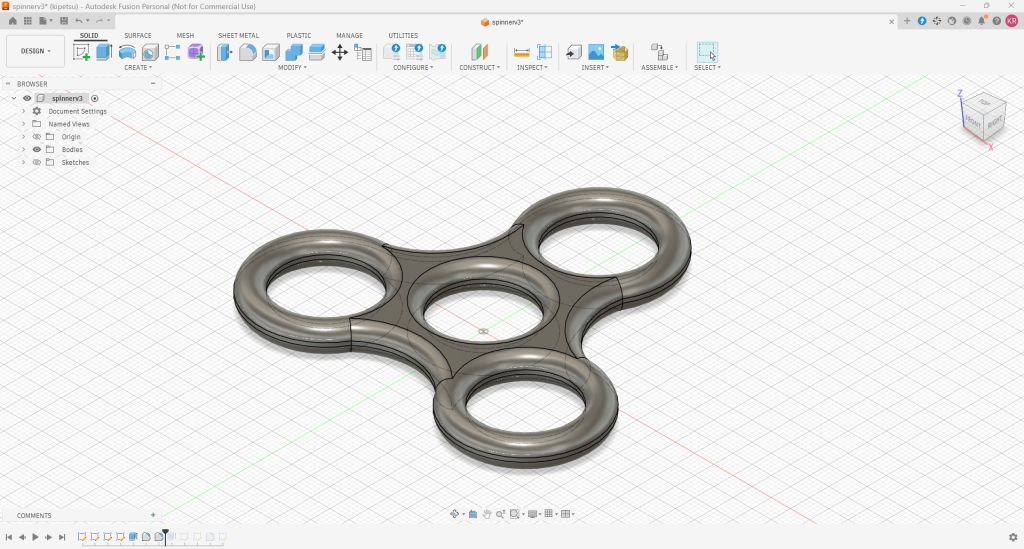
I drew and modeled a 3d spinner in Fusion 360. My previous learning with Autocad helps bit with sketching in 2d.
This is a STL model loader test made with Chat GPT and Claude AI coding. Currently I am trainee in Fab Lab Oulu.
You can download code from my github page.
| X | Y | Z | |
| Size [mm] |
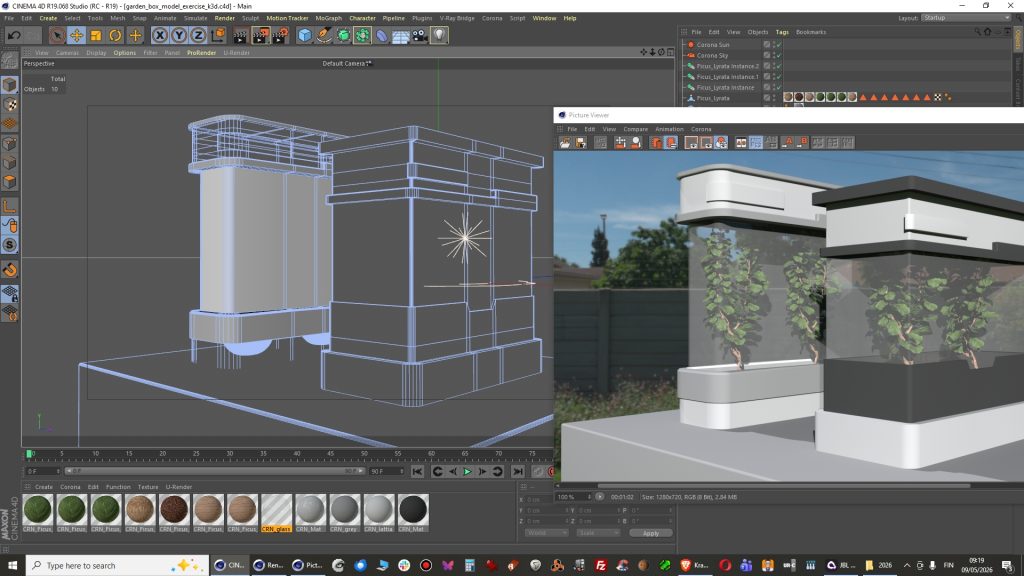
This is based on pixelfondues tutorial. Some basic modeling.
Now I am happy with the shape. Toilet seat? Hmm, lol 😀
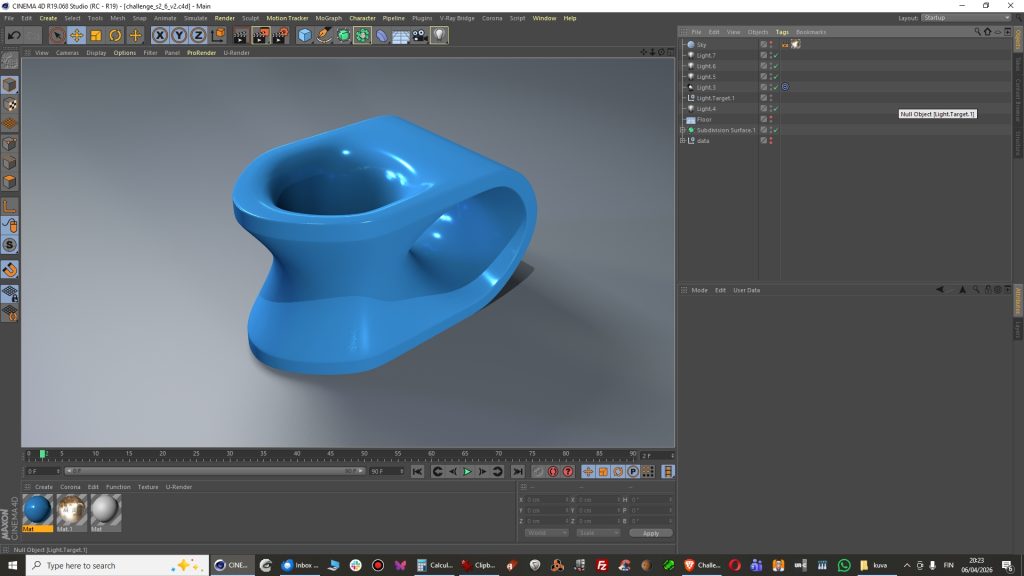
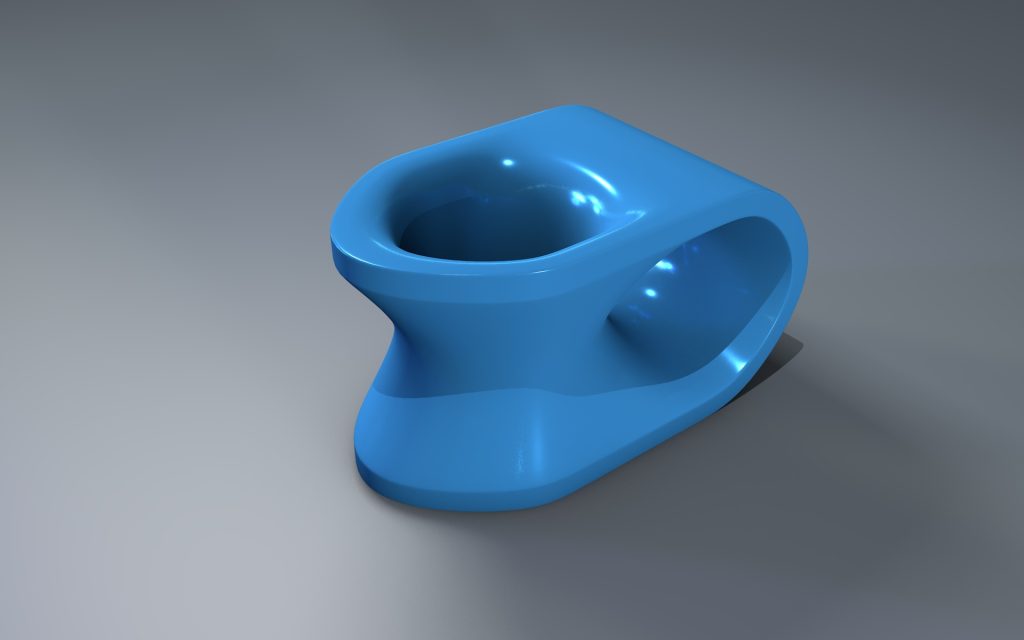
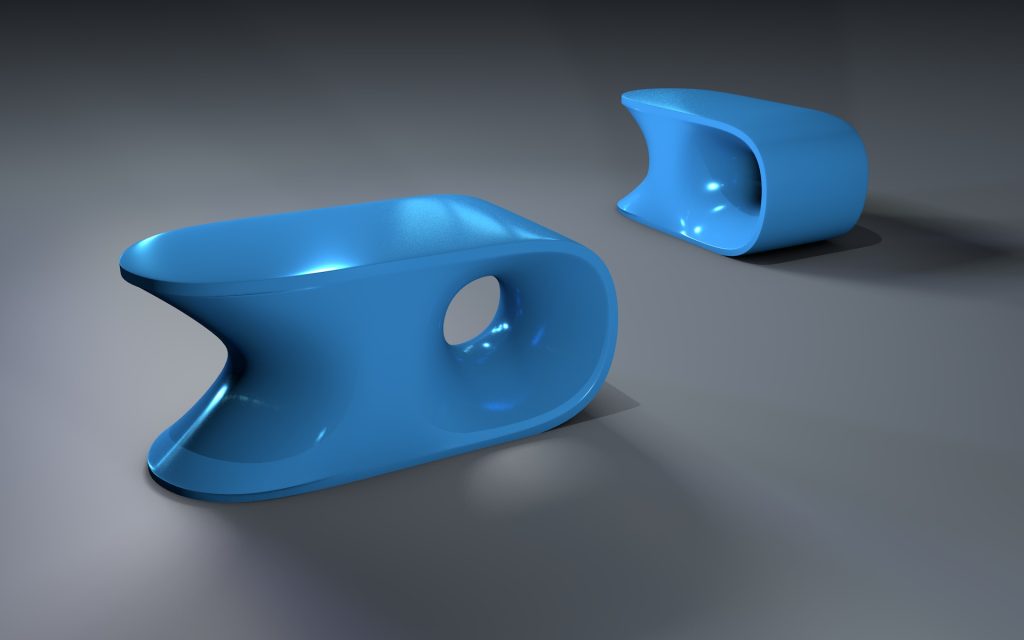
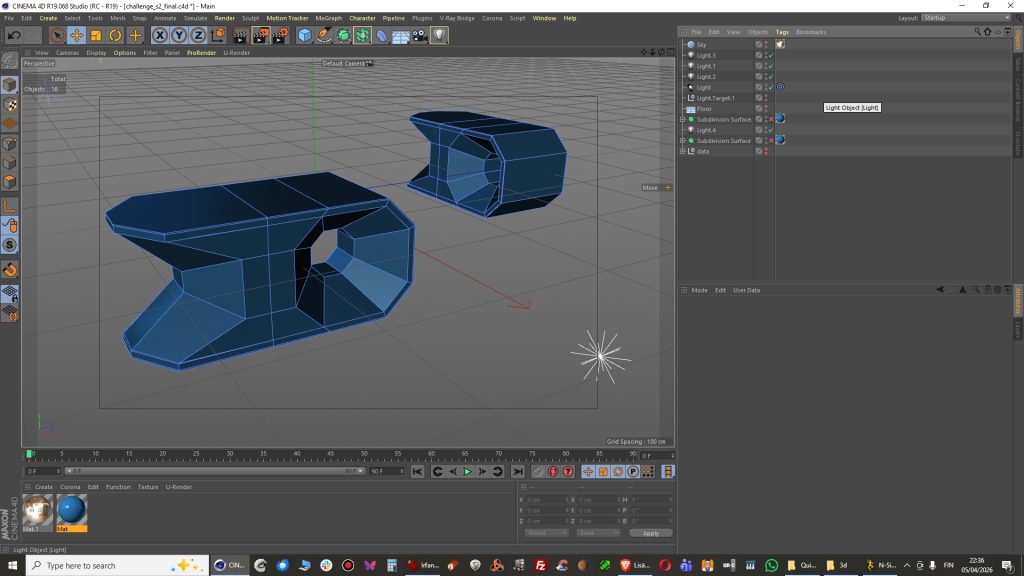
Well it is good enough?
Another great scanned test model from Artec 3D files.
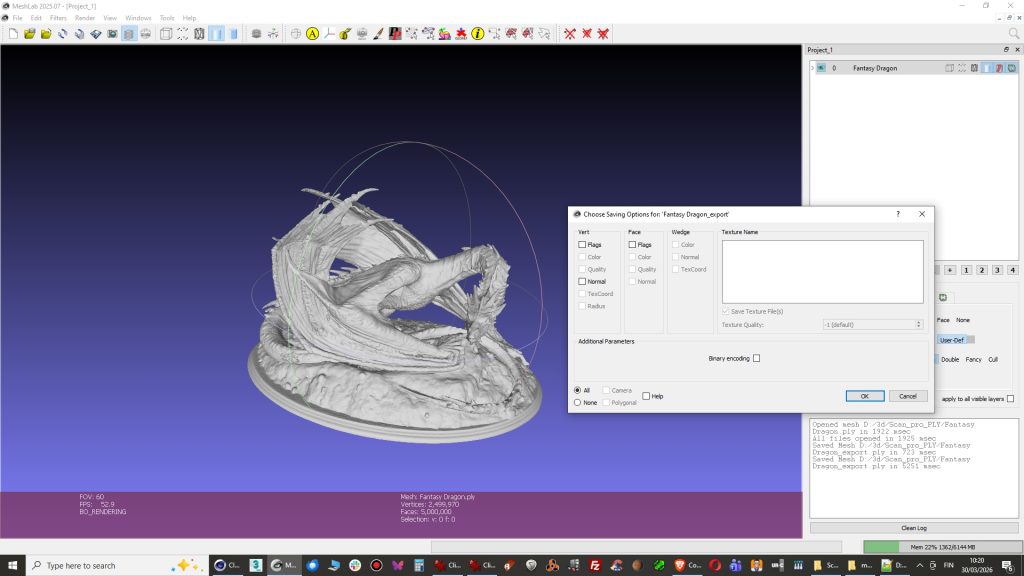
This time file needed to be converted into ascii format inside Meshlab because it was produced by scanner software as binary file. It opens in Meshlab for sure but not with Cinema 4D PLY importer python script.
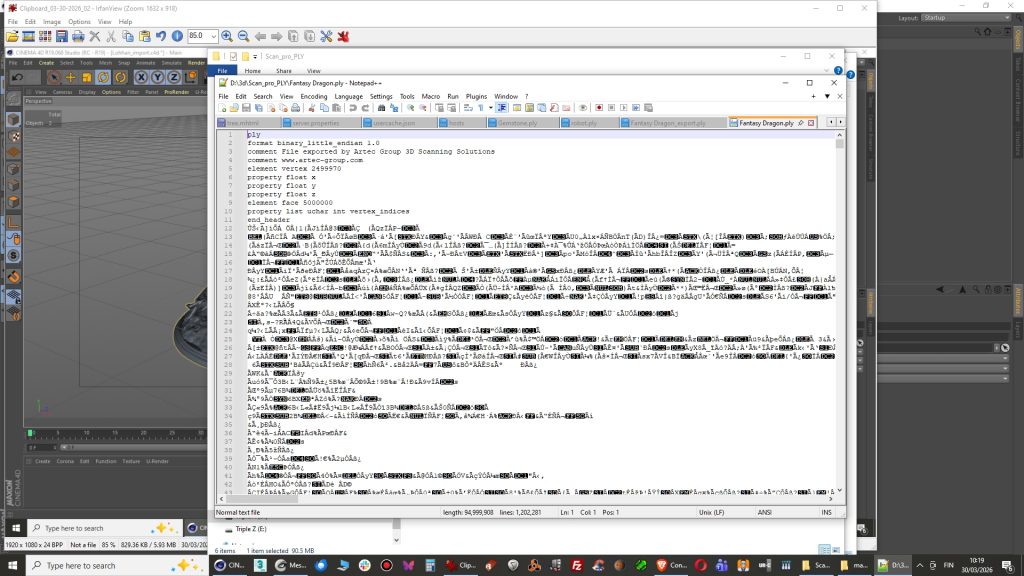
2. Open PLY file in Meshlab and Export as a new PLY file without checking Binary encoding. There was a good tip on this blog.
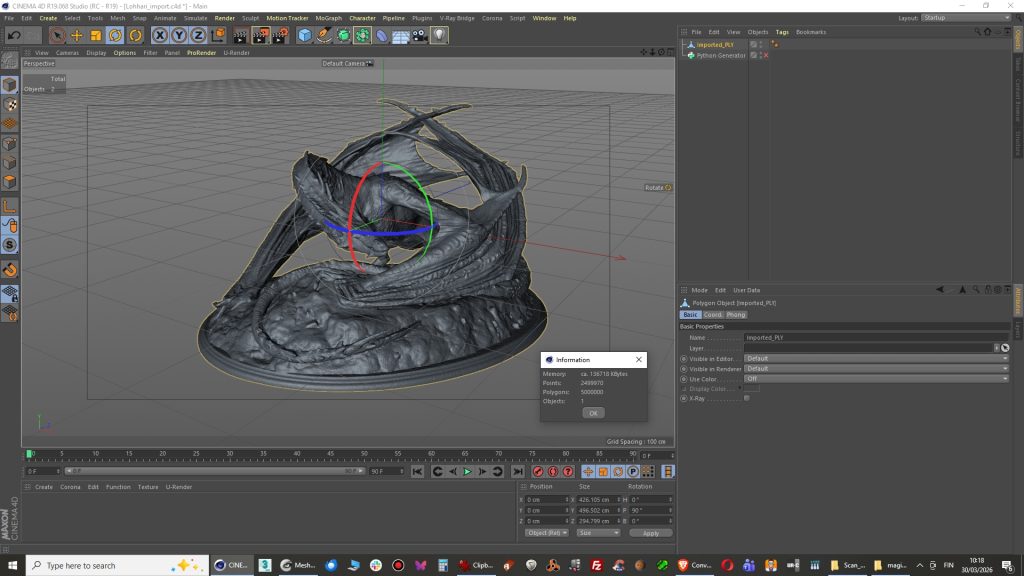
3. Import into Cinema 4D with PLY python script and you are done!. Model appears to have 5000 000 polygons which can be reduced now with polygon reduction tool but I am positive that Meshlab has better tools for that.
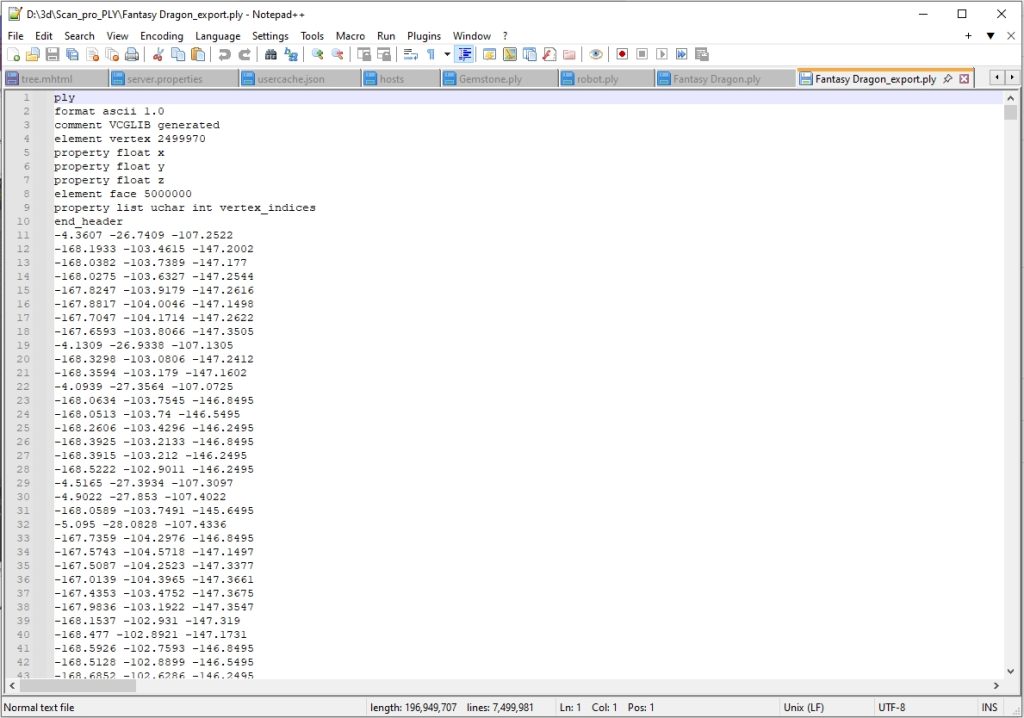
4. If you open the file in Notepad ++ and you can see it is clean now.